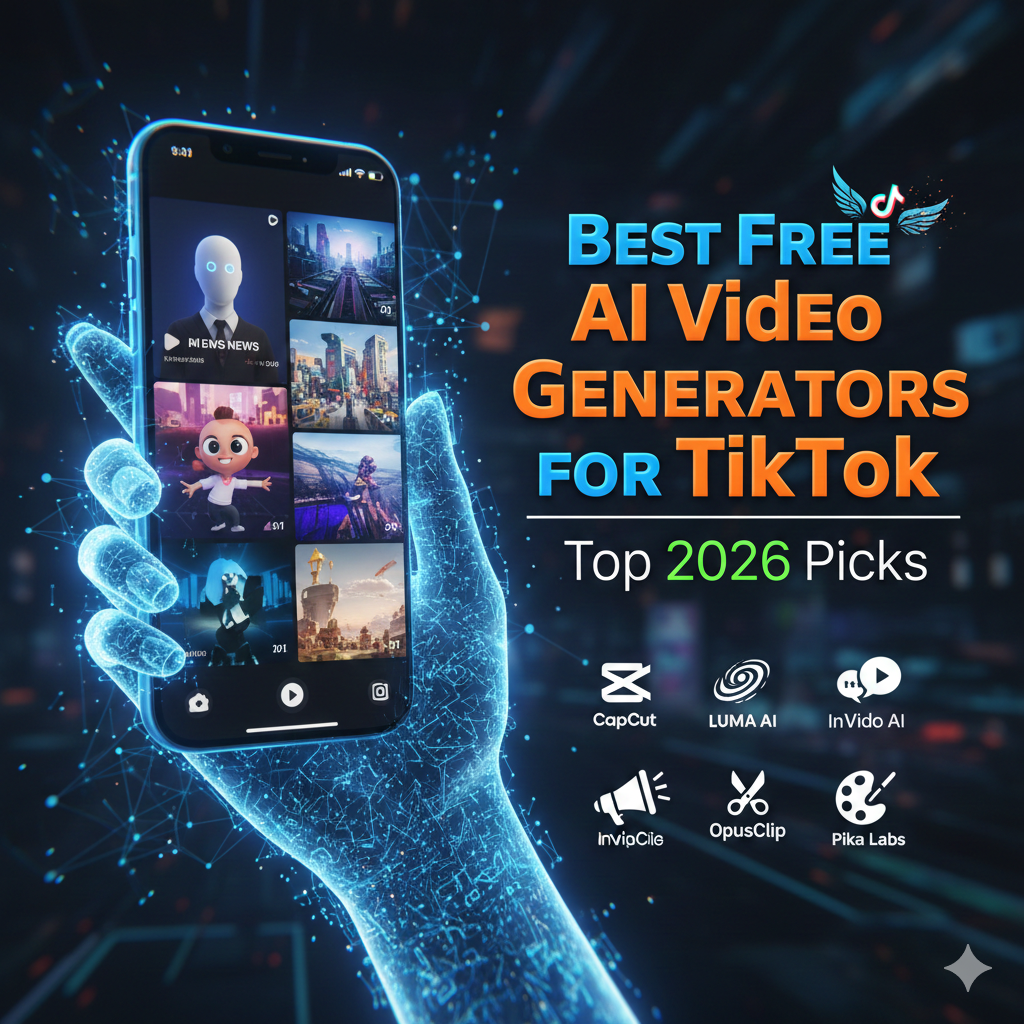
In the fast-paced world of social media, TikTok remains the ultimate battlefield for attention. To stay ahead of the curve in 2026, creators are no longer spending hours on complex editing software; instead, they are leveraging the best free AI video generators for TikTok to produce viral content in seconds. Whether you want to create faceless channels, high-octane product ads, or cinematic storytelling, AI has democratized the production process.
This guide explores the most powerful, user-friendly, and cost-effective tools available right now to help you dominate the For You Page (FYP).
1. CapCut: The Ultimate Native Integration
As the official editing partner of TikTok, CapCut remains the gold standard for most creators.1 Its AI suite has evolved significantly in 2026, offering features that feel like magic.
- Key Features: Auto-captions with trending styles, AI-powered background removal, and the “Script-to-Video” tool that drafts a narrative and selects matching footage for you.2
- Why it’s great for TikTok: It offers direct integration, allowing you to use trending sounds and templates that the TikTok algorithm already favors.3
- Free Tier: Highly generous, with most AI tools available for free, though some “Pro” effects require a subscription.
2. Luma Dream Machine: Cinematic Realism for Free
If you want your TikToks to look like high-budget movie trailers, Luma Dream Machine is one of the best free AI video generators for TikTok for cinematic quality. It excels at understanding complex physics and realistic lighting.
- Key Features: High-speed rendering and “Image-to-Video” capabilities that turn a static photo into a breathing, moving scene.
- Why it’s great for TikTok: It’s perfect for creating “vibe” videos, aesthetic backgrounds, or high-fidelity visual storytelling that stops the scroll.
- Free Tier: Offers a generous daily credit system, making it accessible for casual creators.4
3. InVideo AI: The King of Faceless Channels
For creators who want to build a following without showing their faces, InVideo AI is a powerhouse. You simply type a prompt like, “Make a 60-second TikTok about the history of coffee in a dark academic style,” and the AI does the rest.
- Key Features: It automatically selects stock footage, generates a human-like voiceover, and adds background music and subtitles.
- Why it’s great for TikTok: It saves hours of research and editing. You can edit the final video just by “talking” to the AI (e.g., “Change the voiceover to a British male”).
- Free Tier: Allows for limited weekly exports with a watermark, ideal for testing concepts.
4. OpusClip: Turning Long-Form into Viral Gold5
If you already have long-form content on YouTube or Twitch, OpusClip is an essential tool.6 It uses “Curative AI” to identify the most viral-worthy moments from your long videos and repositions them into 9:16 vertical clips.
- Key Features: AI Virality Score, auto-face centering, and dynamic captions that highlight keywords.
- Why it’s great for TikTok: It takes the guesswork out of “clipping.” It knows exactly which “hook” will keep a TikTok viewer watching.7
- Free Tier: Limited free credits per month for new users.
5. Pika Labs: Creative Control & Style
Pika Labs (specifically Pika 2.0) is a favorite for creators who want artistic flair.8 It is particularly strong at “Video-to-Video” transformations, allowing you to change the style of a video you’ve already filmed.
- Video generation from text and visual prompts.
- Optimization for short video formats (10-20 seconds)
- A library of styles (cartoon, cinematic, experimental)
- Simple web and mobile interface.
- Fast export into social media-ready formats.
- Focus on creators and personal projects.
Comparison of Top Free AI Video Generators
| Tool | Best For | Standout Feature | Free Tier Limit |
| CapCut | All-in-one editing | Trending TikTok templates | Mostly Free |
| Luma AI | Cinematic Realism | Realistic physics/lighting | Daily Credits |
| InVideo AI | Faceless Channels | Text-to-Video automation | 4 exports/week |
| OpusClip | Repurposing | AI Virality Scoring | Limited Credits |
| Pika Labs | Style & Effects | Selective area editing | 300 Credits |
How to Choose the Best Tool for You
Selecting the best free AI video generators for TikTok depends heavily on your content niche:
- For Educators/Storytellers: Use InVideo AI to quickly visualize scripts.9
- For Lifestyle/Vloggers: Use CapCut for the best filters and transitions.10
- For Aesthetic/Artists: Use Luma Dream Machine or Pika for unique, high-quality visuals.
- For Podcasters: Use OpusClip to fill your posting schedule with ease.
Pro Tips for Viral Success
- The 3-Second Rule: Use AI to generate a “hook” in the first three seconds. Luma AI is great for creating visually shocking openings.
- Keep it Vertical: Ensure you always select the 9:16 aspect ratio in your generator settings to avoid black bars.
- Human Touch: AI is a great starting point, but the most viral TikToks always have a layer of human personality—whether that’s a custom caption or a unique reaction.
Summary
The era of the “solopreneur” content creator is here. By utilizing the best free AI video generators for TikTok, you can produce professional-grade content that was once only possible for large studios. Start with the free versions of these tools today to find the workflow that fits your creative voice.
Leave a Reply