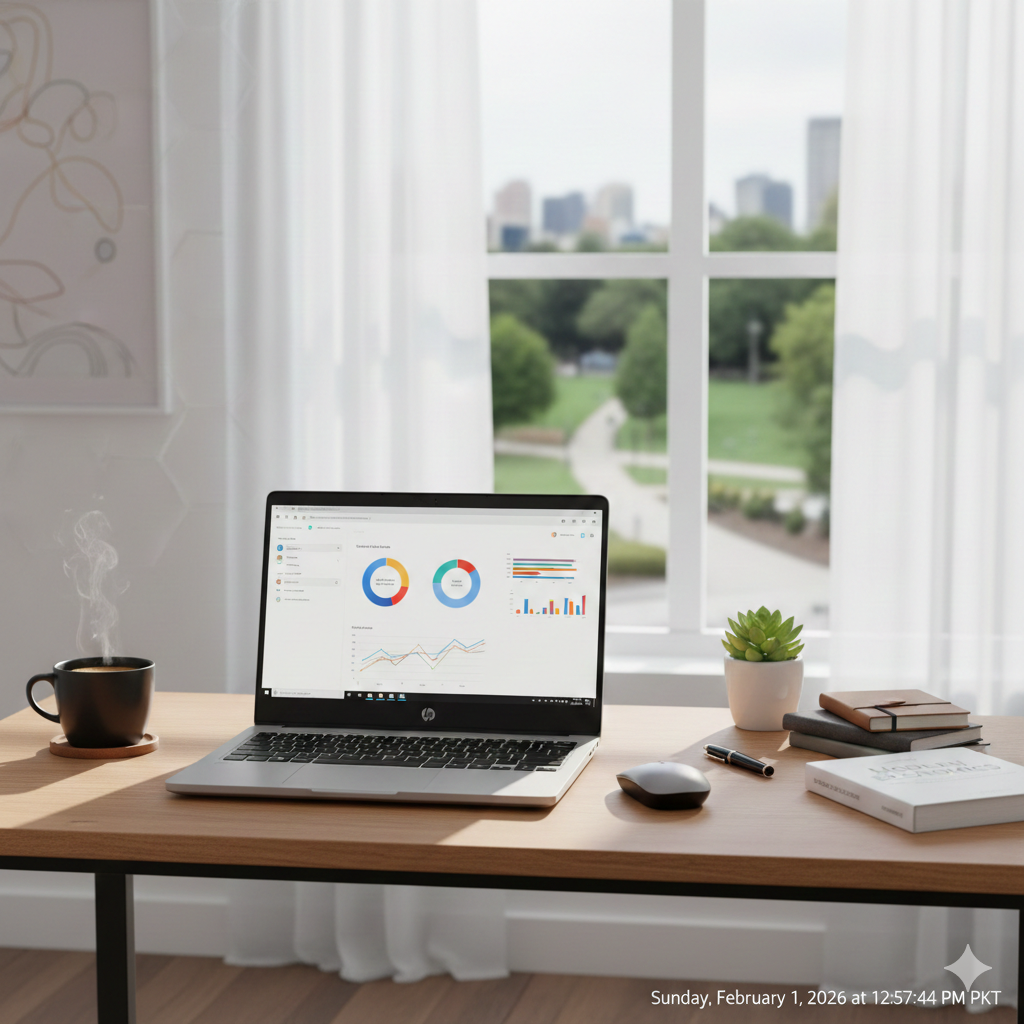
The HP 14 laptop is generally praised as a great budget-friendly choice for basic tasks like browsing, streaming, and office work, offering good portability, decent battery life (around 6-8 hours), and acceptable displays for its price, but its core models often feature Intel Celeron processors and eMMC storage that struggle with demanding applications, while higher-end Pavilion Plus 14 models offer superior OLED displays but sometimes compromise on speakers, making it ideal for everyday users, students, or seniors seeking value over high performance. The HP Laptop 14s-cf1xxx series has emerged as a fan favorite for students, remote workers, and casual users who need a reliable machine without a four-figure price tag.
Whether you are looking to buy a refurbished model or trying to get the most out of your current device, this comprehensive guide covers everything you need to know about the HP 14s-cf1xxx.
1. Design and Build: Slim, Sleek, and Mobile
The “s” in 14s stands for slim, and HP delivered on that promise. The 14s-cf1xxx series features a refined chassis that mimics the premium look of the Envy or Spectre lines but utilizes high-quality polycarbonate to keep costs down.
- Weight: Starting at approximately 1.43 kg, it’s light enough to toss into a backpack for a full day at a café or campus.
- Micro-edge Display: By narrowing the bezels, HP squeezed a 14-inch screen into a frame typically reserved for 13-inch laptops.
- Finish: Most models come in a stylish “Natural Silver” or “Pale Gold,” giving it a professional aesthetic that fits in both boardrooms and dorm rooms.
2. Technical Specifications: Under the Hood
The “cf1xxx” is a series designation, meaning the internal components can vary. However, most models in this lineup share a common architectural DNA based on Intel’s 8th and 10th Generation processors.
Key Hardware Components:
- Processor (CPU): Usually equipped with Intel Core i3, i5, or i7 (Whiskey Lake or Ice Lake architectures). These chips provide a great balance of power efficiency and multi-core performance.
- Memory (RAM): Most units ship with 4GB or 8GB of DDR4 RAM. Fortunately, the 14s-cf1xxx usually features two SODIMM slots, making it highly upgradable.
- Storage: You’ll typically find a 128GB to 512GB NVMe M.2 SSD. Some configurations also include a secondary 2.5-inch SATA bay for an HDD, though this requires a specific ribbon cable.
- Graphics: Integrated Intel UHD Graphics. While not a gaming rig, it handles 4K video streaming and basic photo editing with ease.
3. Display and Visual Experience
The HP 14s-cf1xxx usually offers two main screen configurations:
- HD (1366 x 768): Found on budget-friendly entry models.
- Full HD (1920 x 1080): The preferred choice for better clarity and “IPS” technology for wider viewing angles.
The anti-glare coating is a lifesaver if you often work near windows or under bright office lights, reducing eye strain during long sessions.
4. Connectivity: A Port for Every Purpose
Unlike many modern “ultrabooks” that force you into “dongle hell,” the HP 14s-cf1xxx retains a healthy selection of physical ports:
| Port Type | Quantity | Usage |
| USB 3.1 Type-C | 1 | Fast data transfer (usually no charging/video out) |
| USB 3.1 Type-A | 2 | Standard peripherals (mouse, flash drives) |
| HDMI 1.4b | 1 | Connecting to monitors or TVs |
| RJ-45 (Ethernet) | 1 | Stable, wired internet connections |
| SD Card Reader | 1 | Perfect for photographers and expandable storage |
| Audio Jack | 1 | 3.5mm combo for headphones/mic |
5. Performance for Real-World Use Cases
How does the HP 14s-cf1xxx actually feel to use?
- Office & Productivity: For Microsoft Word, Excel, and PowerPoint, this laptop is a champion. You can run multiple browser tabs and Spotify in the background without noticeable lag.
- Streaming & Media: The dual speakers (tuned by HP) are surprisingly loud, though they lack deep bass. It’s a solid device for Netflix binging.
- Light Gaming: Don’t expect to play Cyberpunk 2077. However, well-optimized titles like League of Legends, Minecraft, or Roblox run smoothly on medium settings.
6. Battery Life and Charging
The device is powered by a 3-cell, 41 Wh Li-ion battery.
- Estimated Life: In real-world conditions (Wi-Fi on, 50% brightness), expect 5 to 7 hours of use.
- HP Fast Charge: One of the best features is the ability to charge from 0 to 50% in approximately 45 minutes when the system is off.
7. Maintenance and Upgradability (Pro Tips)
If your 14s-cf1xxx is starting to feel slow, don’t buy a new laptop yet! This specific chassis is relatively easy to open.
Note: To open the laptop, you must remove the rubber strips on the bottom to access the hidden screws.
- RAM Upgrade: Moving from 8GB to 16GB of RAM is the single best way to improve multitasking.
- Storage Upgrade: If you are running out of space, swapping the M.2 NVMe SSD for a 1TB version is a straightforward process.
- Thermal Paste: If the fan is constantly loud, cleaning the dust out and reapplying thermal paste to the CPU can drop temperatures significantly.
8. Common Pros and Cons
Pros
- Portable: Very lightweight for a 14-inch laptop.
- Port Selection: Includes Ethernet and SD card slots.
- Upgradable: RAM and SSD are not soldered to the motherboard.
- Value: Often priced very competitively in the second-hand or budget market.
Cons
- Build Material: The plastic body can flex if handled roughly.
- Keyboard Backlight: Not standard on all models; check your specific sub-model.
- Webcam: The 720p camera is “just okay”—fine for Zoom, but grainy in low light.
9. Final Verdict: Is it right for you?
The HP Laptop 14s-cf1xxx remains a relevant and highly capable machine in 2026 for those who value practicality over prestige. It isn’t a powerhouse for 4K video editing or high-end gaming, but it is a reliable “daily driver” that handles the essentials with grace.
Leave a Reply