In the high-speed world of short-form content, Spikes Studio has emerged as a powerhouse for YouTubers, Twitch streamers, and social media marketers. However, the most frequent questions from creators aren’t just about the AI’s “magic” clipping ability—they are about the Spikes Studio limit duration.
Whether you are trying to process a 12-hour marathon stream or wondering why your free export stopped at 5 minutes, understanding the technical boundaries of this tool is essential for a smooth workflow. This guide breaks down the duration limits, credit systems, and how to maximize your output in 2026.
1. The Long and Short of It: Maximum Upload Limits
One of Spikes Studio’s biggest selling points is its robust handling of long-form content. Unlike many “budget” AI clippers that crash after 60 minutes of footage, Spikes is built for the “Mega-Streamer.”
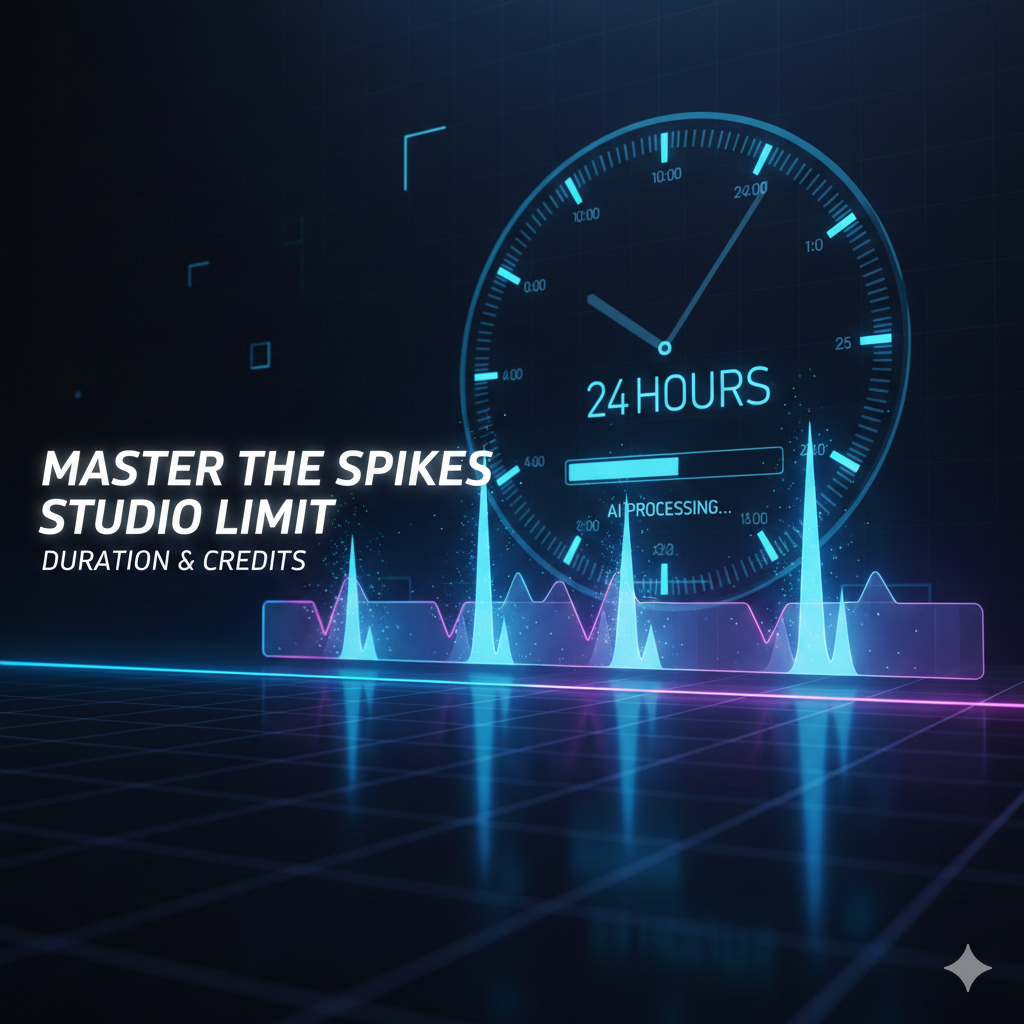
- Maximum Source Duration: Spikes Studio can process source videos up to 24 hours long. This makes it the go-to choice for Twitch VODs and long-form podcasts.
- Processing Speed: Despite the massive duration limit, its AI engine can typically analyze and clip a 24-hour video in under 10 to 15 minutes, identifying “viral” moments based on engagement peaks and scene changes.
2. The Web Editor “5-Minute” Rule
There is a common point of confusion regarding the 5-minute limit. This does not refer to the length of the video you upload, but rather the functionality of the Web Editor.
If you are using the manual “Add Captions” or “Pro Edit” tabs within the web browser, the platform often limits these specific manual editing sessions to clips of 5 minutes or less. This is designed to keep the browser-based rendering stable. For creators making TikToks (under 60s) or Reels (under 90s), this is rarely an issue, but it is something to keep in mind if you’re trying to edit a “best of” compilation manually.
3. Spikes Studio Plan Limits: Free vs. Pro+
The real “limit” most users encounter is the monthly minute quota. Spikes Studio operates on a credit-based system where your “duration” is effectively your currency.
| Feature | Free Plan | PRO+ Plan (~$14.09/mo) | Enterprise (~$56.34/mo) |
| Monthly Minutes | 30 Minutes | 300 – 500 Minutes | 1,200+ Minutes |
| Max Upload Length | 24 Hours | 24 Hours | 24 Hours |
| Export Quality | 720p | 1080p (Full HD) | 1080p / 4K Support |
| Watermark | Included | Removed | Removed |
| AI B-Roll | Limited | Full Access | Priority Access |
Pro Tip: If you run out of minutes, you can often “earn” extra duration by completing onboarding tasks or using the referral program, which is a lifesaver for creators on a tight budget.
4. Why Does Duration Matter for AI Clipping?
The Spikes Studio AI doesn’t just cut your video; it “scores” it. When you upload a 2-hour podcast, the AI scans the entire duration for:
- Hook Potential: The first 3 seconds of a clip.
- Context: Ensuring the clip doesn’t cut off mid-sentence.
- Visual Movement: Identifying when the camera switches or a guest laughs.
If your source video is too short (e.g., under 3 minutes), the AI may struggle to find enough “high-score” moments, as it needs a certain amount of data to compare “boring” segments against “spike” segments.
5. Overcoming the Limits: Strategy for Creators
If you find yourself hitting the duration limit or running out of monthly minutes, use these three strategies to optimize your usage:
A. Pre-Trim Your VODs
Don’t upload the “Starting Soon” or “Be Right Back” screens from your Twitch streams. Use a free tool to trim the fluff before uploading to Spikes. This ensures every second of your monthly 300-minute limit is spent on actual content.
B. Use the Mobile App (Spikes GO!)
The mobile version is optimized for quick exports. If you are struggling with web browser lag during long duration edits, switching to the mobile app can sometimes bypass local hardware limitations.
C. Leverage the “Bulk Edit” Feature
Instead of editing one clip at a time, use the bulk editor to apply your “Brand Kit” (captions, fonts, and logos) to all clips at once. This reduces the time you spend in the editor, preventing session timeouts.
The Verdict: Is the Limit Fair?
Compared to competitors like Opus Clip or Munch, Spikes Studio’s 24-hour upload limit is among the most generous in the industry. While the 30-minute free tier is strictly for testing, the PRO+ plan provides a balanced ratio of minutes-to-cost for the average content creator.
If you are a serious streamer looking to dominate the 2026 vertical video algorithm, mastering these duration limits is the first step toward viral success.
Leave a Reply